
evergreen guide
Choose a Home Launch Monitor by the Shot Problem You Can Measure
A practical framework for selecting a personal launch monitor around one observable golf problem, a workable home setup, and feedback you can use repeatedly.
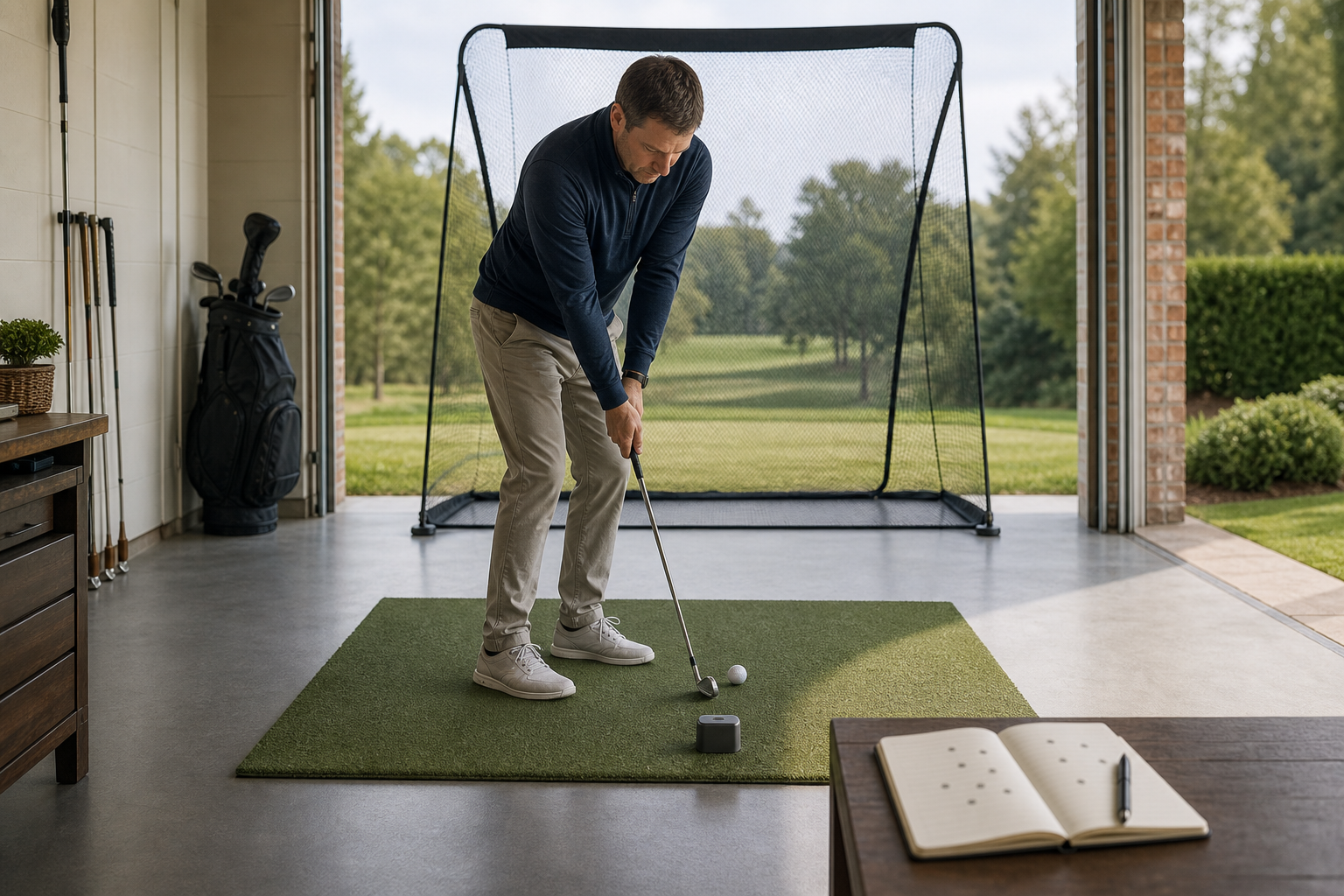
Built for: Golfers deciding whether a personal launch monitor provides the measurements and setup their practice actually needs.
A launch monitor is useful when it turns one repeatable shot question into a measurable practice task. Start with the miss you can see, then buy only the measurement, space requirements, and workflow needed to track it.
The quick verdict
Choose a home launch monitor only after naming one observable performance problem and confirming that the unit’s documented output, setup requirements, and session workflow let you measure that problem repeatedly.
Best for Golfers with a defined practice target, such as tightening a chosen carry window or comparing the starting direction of similarly intended shots, who can give the device a consistent place to operate.
Skip it if Skip it if you want the device to explain every poor shot, cannot create a repeatable hitting and placement setup, or are not prepared to record a simple baseline and follow-up result.
Begin with the shot that keeps costing you
The tempting purchase starts with a feature list: more numbers must mean better practice. The better starting point is the shot you can already describe after a round. Perhaps your 7-iron regularly finishes short of a particular green, or perhaps shots aimed at the same flag begin in noticeably different directions. Those are observable problems. They give a monitor a job.
Write the problem in a form that can be counted or compared. “I want to hit it better” is too broad. “I want to see whether my normal 7-iron carries into a defined window” gives you a repeatable question. Purposeful practice needs a defined purpose and measurable structure; the device should serve that structure rather than become the session’s entertainment.
Guild recommendation: Choose one primary question for the first month of ownership. If a monitor’s documented outputs cannot answer that question, extra outputs do not solve the mismatch.
Match the measurement to the decision you need to make
Distance-control practice calls for a measurement that lets you compare like-for-like shots against a chosen distance window. A golfer preparing for an approach over a bunker may care less about a best-ever result than about how often a familiar club lands inside a realistic window.
Directional practice needs a different output: some reliable way, as documented by the product, to compare where similarly intended shots begin or travel relative to a target line. That can be useful when the golfer’s on-course observation is, “My good-feeling swings do not all start in the same place.” It is not a diagnosis of why the ball did that.
Do not buy a device because a metric sounds technical. Ask what action you would take after seeing it. If the honest answer is, “I would not know what to compare it with or repeat next time,” that measurement is not yet essential. Objective claims about what a product measures or does should have a reasonable basis, so rely on the maker’s current documentation and instructions rather than assumptions from a product name or marketplace listing.
Guild recommendation: For every displayed metric you want, write one sentence beginning, “I will use this to compare…” If you cannot finish the sentence with a repeatable shot task, treat it as optional.
A capable monitor can still fail in the wrong room
Home practice is constrained by the space you have, not the space shown in a product photograph. Before shopping, measure the available hitting area and identify where the ball, device, target or net, and golfer would go. Then compare those realities with each candidate’s documented setup instructions. A device that demands a placement arrangement you cannot repeat is unlikely to produce a useful baseline.
Consider the routine as well. A unit that must be moved, aligned, charged, connected, and packed away for every session may still suit a golfer who values portability. A golfer with a garage bay may prefer an arrangement that can remain consistent. Neither is universally better. The right choice is the one that makes five to ten comparable shots realistic on an ordinary weeknight.
Also separate safe ball striking from measurement. Confirm that your practice area, net or target arrangement, and device location allow you to follow the manufacturer’s safety and setup guidance. No data point is worth an unsafe session.
Guild recommendation: Draw the setup on paper before ordering. If you cannot place the golfer, ball, device, and target arrangement without compromise, choose a different practice tool or a different location.
Judge the session, not the screenshot
One impressive reading is a poor reason to keep a monitor. Its value appears when you can reproduce the same task over several sessions and see whether your results are becoming more consistent. Keep the record deliberately small: club used, intended task, displayed result relevant to that task, and the number of shots that met the target. This makes it easier to recognize whether you are comparing equivalent sessions.
For example, a golfer working on an 8-iron carry window can record ten readings and count the shots inside the window. At the next session, the golfer repeats the same club, window, and monitor setup. That creates evidence useful for practice planning without claiming that the device has diagnosed the swing. If the setup changes every time, the comparison becomes weaker regardless of how many numbers appear on screen.
Guild recommendation: Favor a monitor interface and data workflow you can understand during a 20-minute session. The most useful display is the one that helps you record a baseline and make a modest, repeatable comparison.
Read listings like a skeptic, then narrow the field
After you know the shot problem, required measurement, and space constraint, compare candidates using their documentation. Verify what the unit says it measures, how it must be placed, what is needed to view or save results, and whether the documented setup fits your ball-and-target arrangement. Look for clear instructions rather than vague promises of improvement.
Be cautious with broad outcome language. A monitor can support structured feedback, but it cannot substitute for choosing a task, hitting enough comparable shots, and reviewing the result. It also cannot turn a changing home setup into a dependable test. The better purchase is often the simpler unit that answers your one question consistently, not the one with the longest list of data fields.
Guild recommendation: Make a three-column shortlist: “my problem,” “required documented feature,” and “home setup requirement.” Eliminate any option that fails even one column before comparing convenience features.
Try this · 20 minutes.
The One-Question Carry-Window Check
Choose one club, one clearly defined target line, and a safe home hitting arrangement. Place the monitor and ball exactly as its instructions require. Use only a carry-style distance reading if the product documents that it provides one, and mark a target window that reflects a shot you regularly face rather than an idealized maximum.
- Write one question before hitting: “Can I keep this club inside my chosen carry window today?”
- Hit five comfortable shots without changing clubs, target, or device position. Record only the displayed carry-style result and whether each shot finished inside or outside the window.
- Take a short break, then hit a second set of five under the same conditions. Do not chase a single large number or alter the setup between shots.
- Review the two sets together. Note the number inside the window and the spread from shortest to longest displayed result.
- Use the result to set the next session’s task: retain the same window if the spread is manageable, or widen the window slightly if nearly every shot falls outside it.
What progress looks like: The monitor earns a place in your practice if you can recreate the setup and produce a clear baseline, such as an inside-the-window count and a distance spread, across two sets.
Put the guide to work
These searches are a starting point—not a substitute for the fit and comparison criteria above.
Portable units for a carry-window practice task.
Compare the documented measurement list and required placement instructions before assuming a compact unit can support your chosen distance-control task.
Units intended for a fixed indoor station.
Compare the stated space, ball, target, and device-position requirements against the room or garage you will actually use.
Simple tools for recording repeatable sessions.
A basic record makes the displayed measurement useful by preserving the baseline and follow-up result from each session.
If you buy through these links, Guild of Golf may earn a commission at no extra cost to you.
The practical takeaway
- Start with an observable on-course problem, not a catalog of launch-monitor metrics.
- Buy the measurement only if it supports a specific comparison you can repeat in practice.
- Confirm documented placement and space requirements against your actual home setup before purchasing.
- Track a small baseline, such as a target-window count and result spread, instead of chasing isolated peak readings.
- A simpler device that supports consistent sessions is a stronger practice tool than a feature-rich device you cannot set up reliably.
Frequently asked questions
What is the first question to ask before buying a home launch monitor?
Ask which observable shot problem you want to measure repeatedly. A carry-window question and a directional-consistency question may require different documented outputs and different setup conditions.
Should I choose the monitor with the most measurements?
Not necessarily. More measurements are useful only when you know how each one will guide a repeatable practice comparison. Prioritize the output connected to your primary task, then the setup you can reproduce at home.
How can I tell whether a monitor is helping my practice?
Use the same club, target task, and device placement for short sets across more than one session. If you can record a meaningful baseline and compare it with a later session, the monitor is supporting measurable structure.
Can a launch monitor diagnose my swing?
Treat its displayed results as feedback for a shot task, not a complete explanation of cause. A useful home-practice plan focuses on what you can observe and repeat rather than assuming that a single reading diagnoses a swing.
What should I verify in a product listing?
Verify the documented measurements, placement instructions, space and target requirements, method for viewing or saving results, and any guidance needed to use the unit safely in your intended practice area.
Sources used for this draft
- PGA of America: Practice With Purpose — The recommendation to give practice a defined purpose and measurable structure.
- FTC Advertising and Marketing Basics — The recommendation to evaluate objective measurement and performance claims against reasonable supporting documentation.
Guild of Golf may earn a commission from qualifying purchases made through shopping links, at no additional cost to you.